Contacts
What it is
A simple contact list scoped to a deal — the people involved in getting it done.
Why / when you'd use it
Keep the agent, contractor, inspector, lender, and anyone else tied to a specific deal in one place, instead of a separate address book disconnected from the deal itself.
Adding a contact
- Select Add contact.
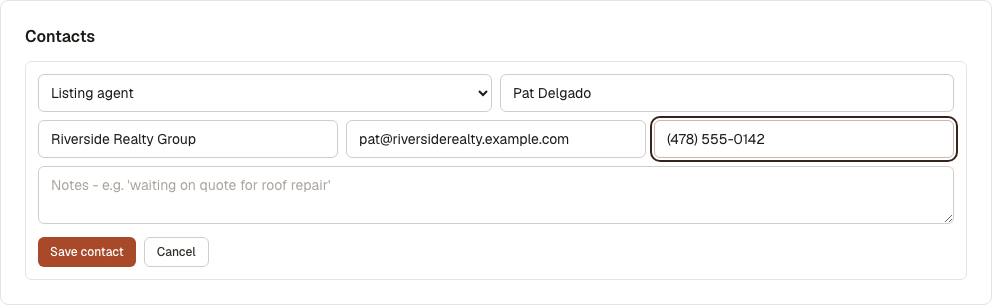
- Choose a Role: Buyer's agent, Listing agent, Contractor, Inspector, Lender, Insurance agent, Property manager, or Other.
- Fill in Name (required), and optionally Company, Email, Phone, and Notes.
- Select Save contact.
Saved contacts appear in a list showing name, role, company, email/phone, and any notes.

Select Delete to remove a contact. There's no confirmation step.
What's next
- Activity Timeline — see everything that's happened on this deal, including contacts added