Documents
What it is
File storage scoped to a property — leases, inspection reports, seller disclosures, contractor bids, and similar. Appears on both the Deal Workroom (for a property you're still evaluating) and the owned-property page.
Why / when you'd use it
Keep the paperwork for a deal attached to the deal itself, categorized by type, instead of scattered across email and local folders.
Uploading a document
- Select a File.
- Choose a Type: Lease, Rent roll, Inspection, Seller disclosure, Contractor bid, Appraisal, Insurance quote, Survey, Tax record, Zoning document, Photo, or Other.
- Optionally add a Description.
- Select Upload.
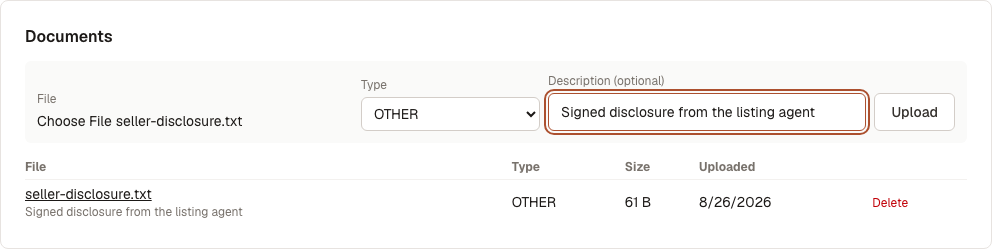
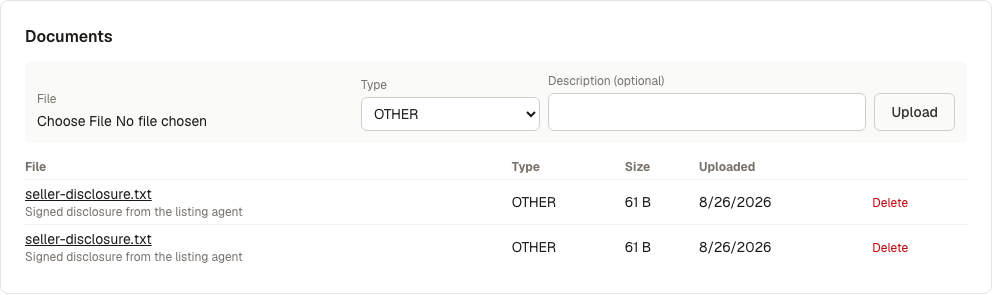
The document appears in the table below: filename (select it to download), type, size, and upload date.
Every upload is scanned for malware in the background after it's saved — this doesn't delay the upload itself, and there's no visible status in the table today, but a file that comes back flagged raises an alert on the deal.
To remove a document, select Delete next to it. There's no confirmation step — see Limits & Expectations.
What's next
- Contacts — track who's involved in the deal