Dashboard
What it is
Your home base: the list of properties you own, plus a rolled-up summary of your whole pipeline — deal stages, top opportunities, alerts, outstanding due diligence, and portfolio concentration.
Why / when you'd use it
The first thing you see after logging in. Use it to get oriented on everything at once, or to jump into comparing owned properties.
What's on it
Your properties — one card per owned property, with address, type, and purchase price. Each has a Compare checkbox (see Compare) and links through to the property's detail page.
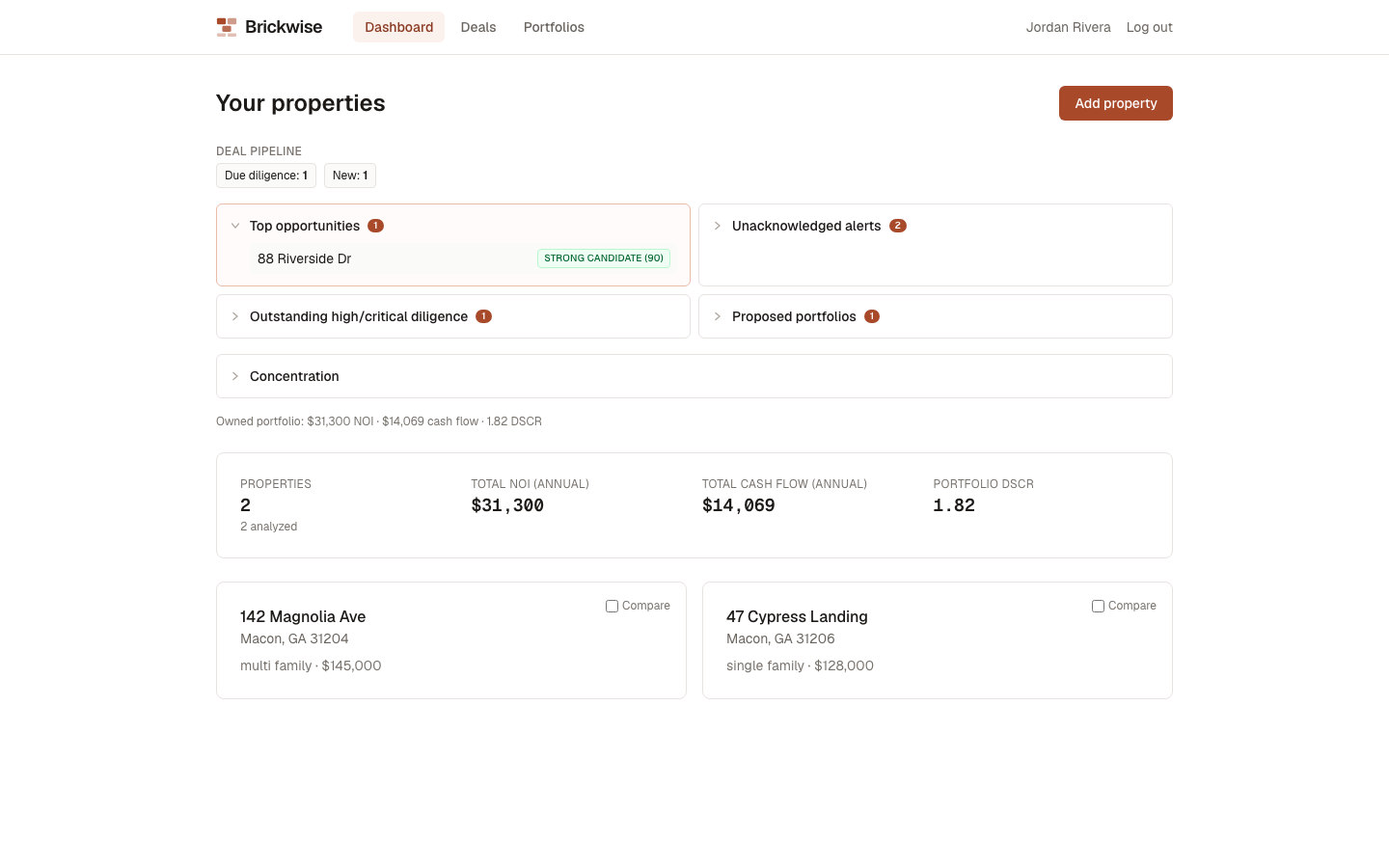
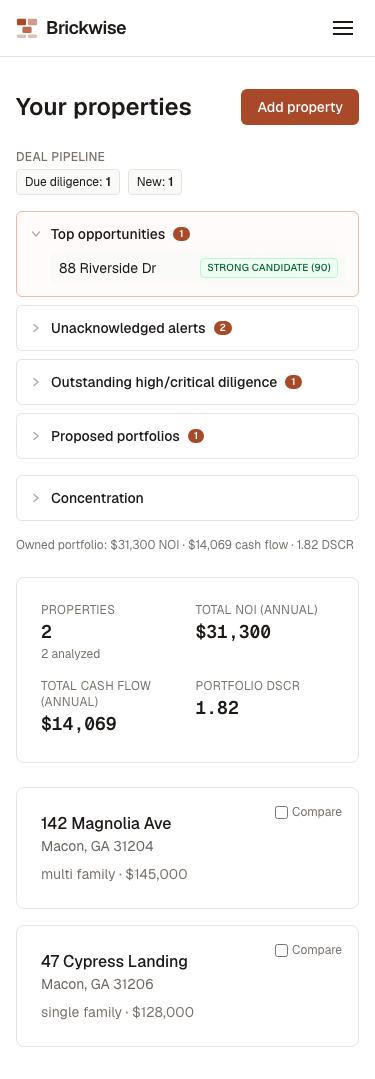
Deal pipeline — a compact row of chips showing how many deals sit at each pipeline stage right now.
Drill-down sections (select to expand — look for the small arrow/chevron, they don't otherwise look clickable):
- Top opportunities — your highest-scoring deals
- Unacknowledged alerts
- Outstanding high/critical diligence — open due diligence tasks that need attention
- Proposed portfolios — with a link through to Portfolios
Concentration — the same geographic/type/thesis breakdown available on a portfolio, but across your entire owned portfolio.
Portfolio summary bar — Properties (with how many have underwriting on file), Total NOI (annual), Total cash flow (annual), and Portfolio DSCR, all combined across every owned property.
Adding a property
Select Add property — see Properties for the full walkthrough.
What's next
- Properties — add and manage owned properties
- Deals Pipeline — track properties you're still evaluating