Deals Pipeline
What it is
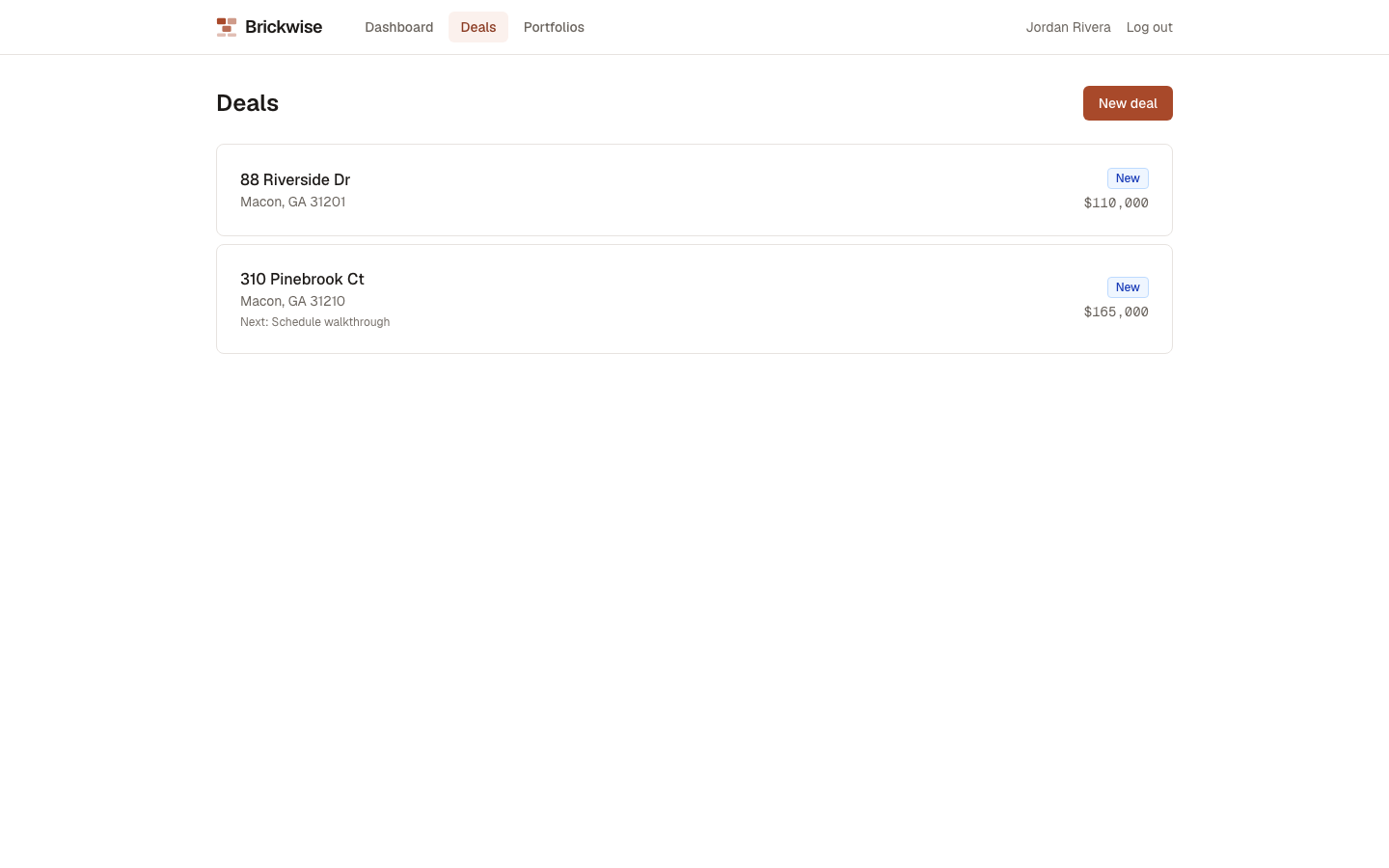
The Deals page lists every property you're evaluating but don't yet own, tracked by pipeline stage. Opening a deal takes you to its Deal Workroom — a single page covering everything about that deal.
Why / when you'd use it
Start here for any property you're considering but haven't closed on. A deal creates its own backing property behind the scenes, but — unlike a property you add directly — it won't clutter your Dashboard's owned-property list while you're still deciding on it.
Viewing your pipeline
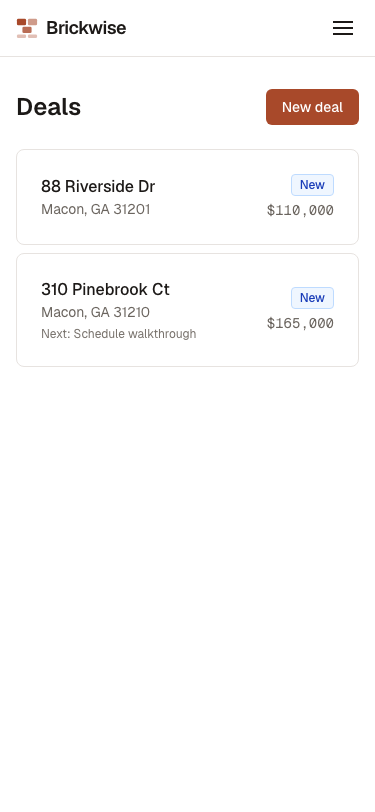
The Deals list shows every active deal: address, next action and due date (if set), pipeline stage, and asking price. Closed, Passed, and Lost deals are grouped separately under "Closed out."
Creating a deal
Select New deal. You have two ways in:
Manual entry
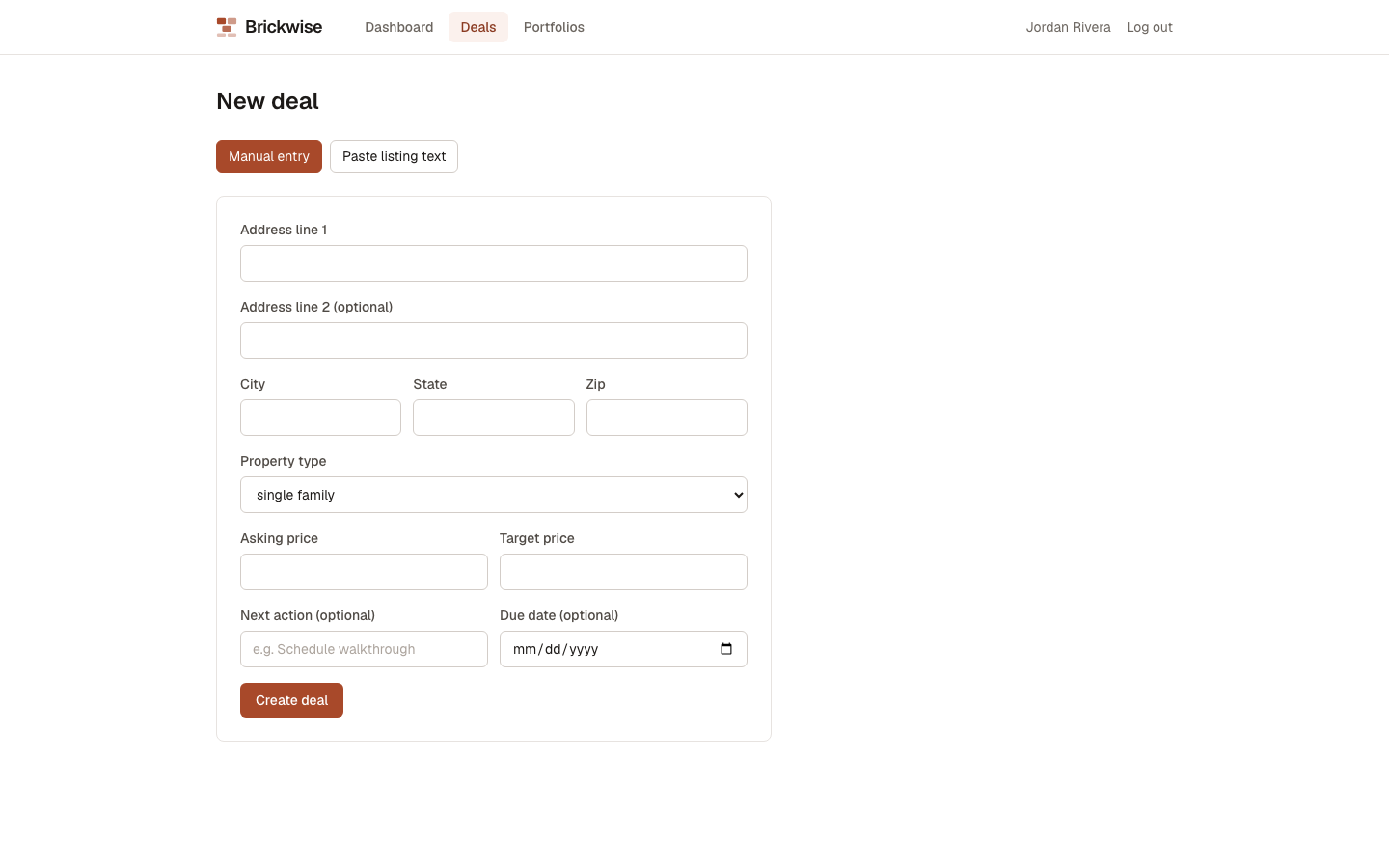
Fill in the same fields as adding a property directly, plus deal-specific ones: Next action (optional — what you need to do next) and Due date (optional).
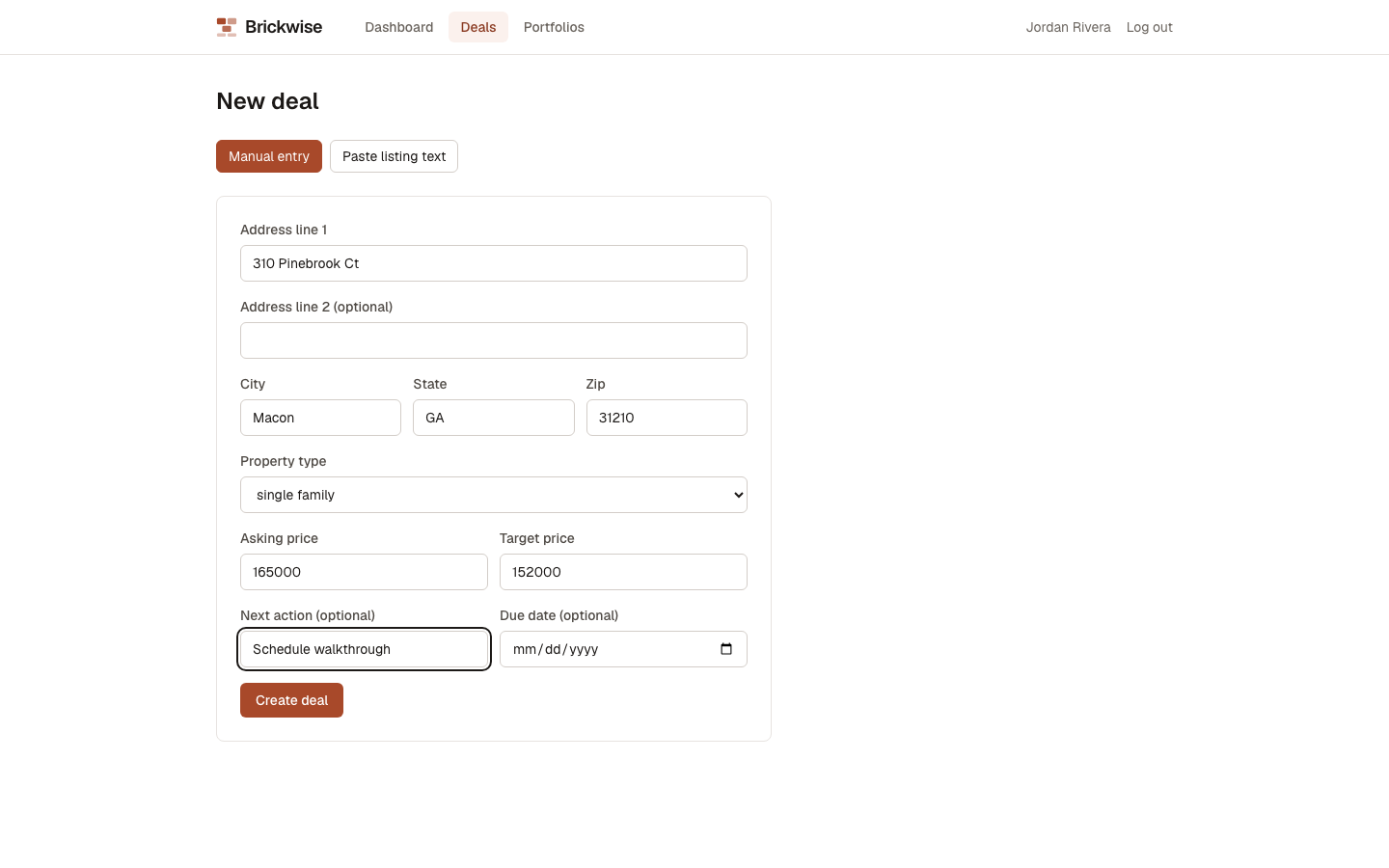
Select Create deal.
Paste listing text (AI extraction)
If you have a listing description, MLS export, or notes, select Paste listing text instead.
Paste the text in, then select Extract fields.
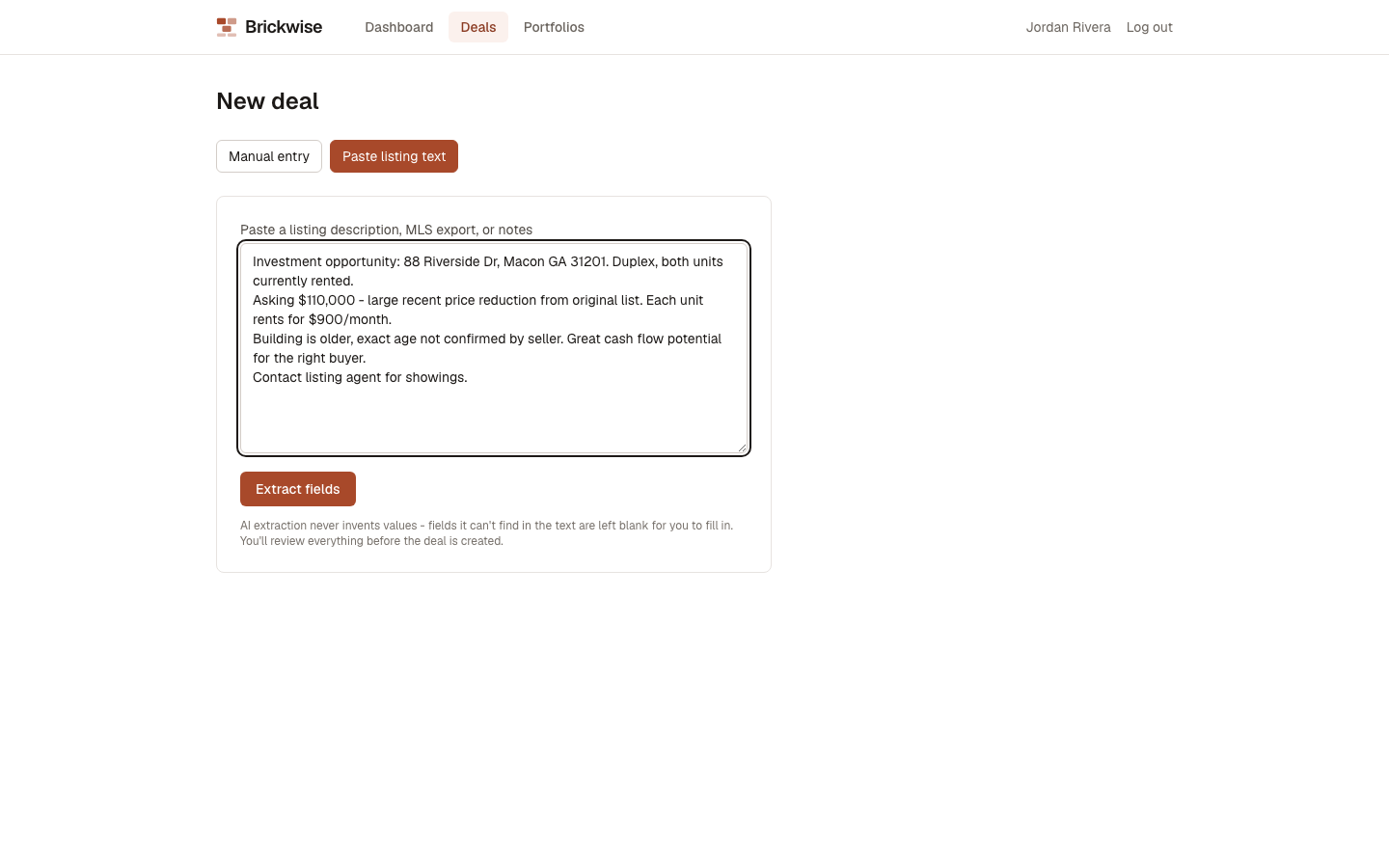
Brickwise's AI reads the text and pre-fills the form with whatever it can find — address, city, state, zip, property type, asking price. Fields it can't confidently find are left blank for you to fill in; it never invents a value. The extracted fields are marked with AI ESTIMATE and a confidence pill so you know they came from AI reading, not a verified source:
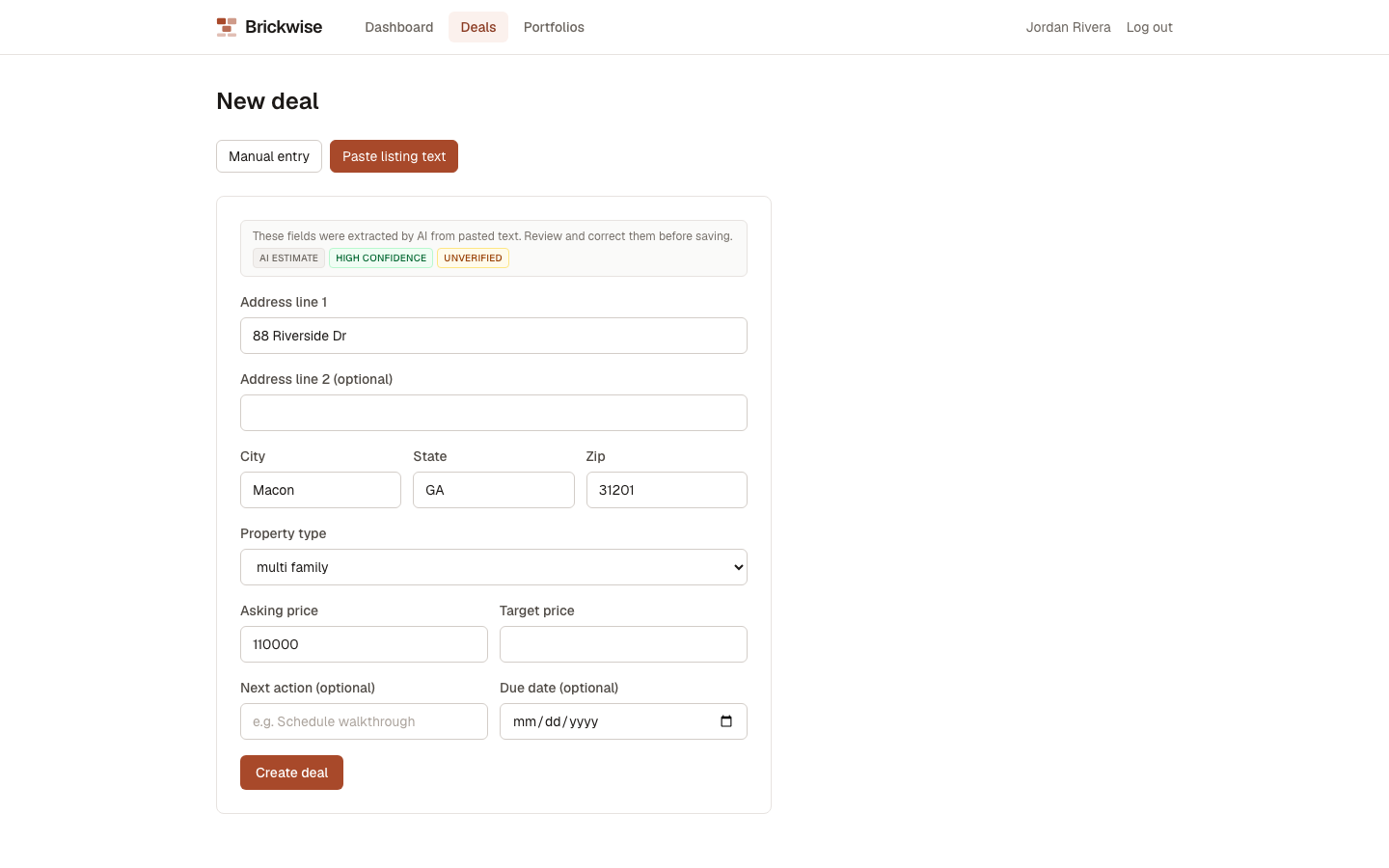
Review every extracted field before saving — this is AI reading unstructured text, and it can misread or miss things. Once you're satisfied, select Create deal.
Duplicate detection
If the address you're entering looks like one you're already tracking, Brickwise shows a warning banner listing the possible match(es) before you save — you can still create it as a new, separate deal if it's genuinely not a duplicate (the button relabels to Create anyway).
What's next
Open any deal to reach its Deal Workroom, where you'll set its pipeline stage, run underwriting, and use the AI review features.