Properties
What it is
A property in Brickwise is any address you've entered — whether you own it or are still evaluating it as a deal. This guide covers adding a property directly (for something you already own or want to model outright) and managing its units. If you're evaluating a property you don't own yet, start from Deals Pipeline instead — it creates the property for you as part of creating the deal.
Why / when you'd use it
Every other feature — underwriting, BRRRR/STR scenarios, Ask Ezrah, documents — is scoped to a property. This is where you start.
Adding a property
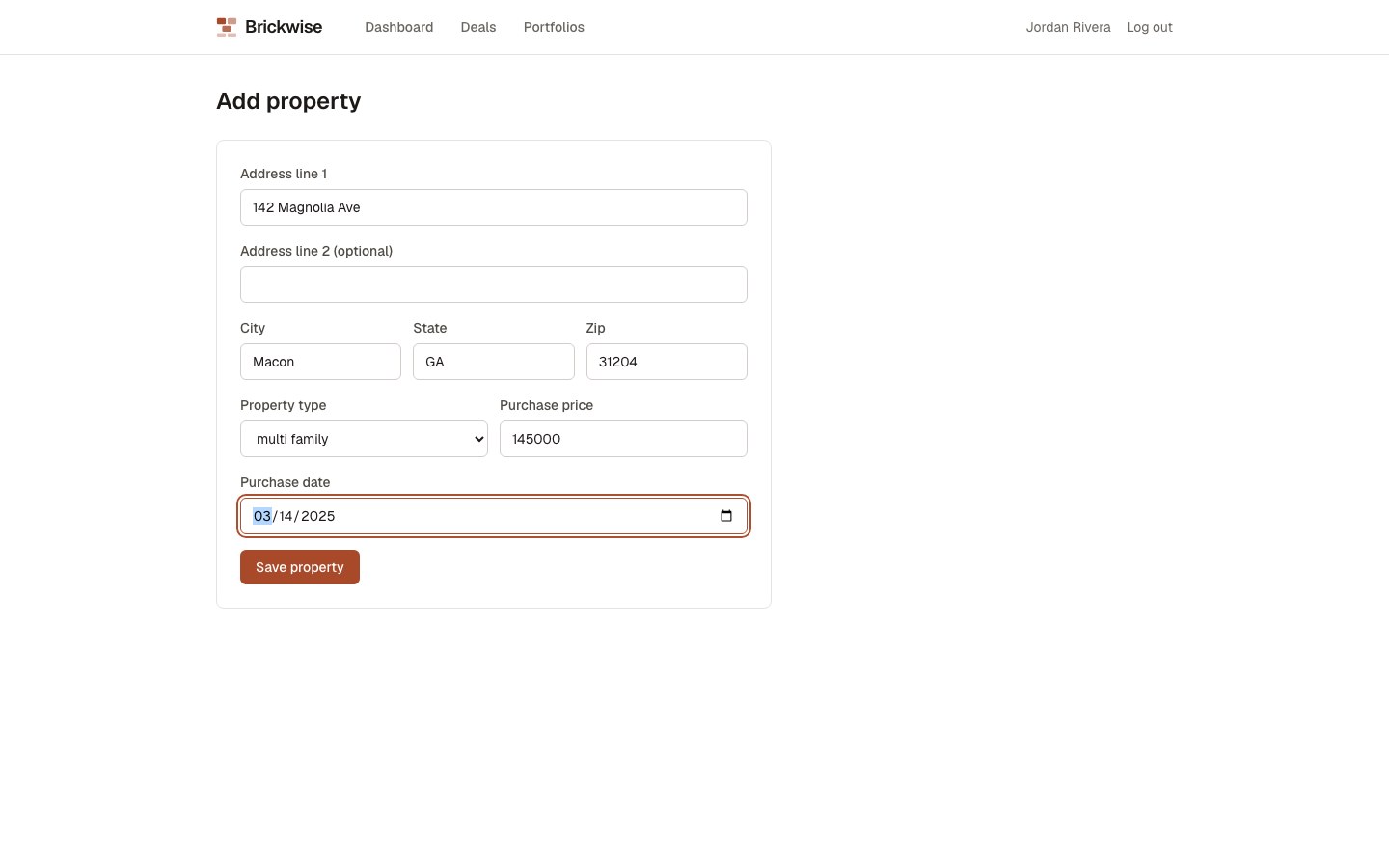
- From the Dashboard, select Add property.
- Fill in Address line 1 (required), Address line 2 (optional), City, State, Zip (all required, entered as free text — there's no format validation on State or Zip).
- Choose a Property type: single family, multi family, condo, townhouse, or other.
- Enter the Purchase price (required; capped at $999,999,999.99) and Purchase date (required; can't be a future date).
- Select Save property.
You'll land on the property's detail page, with panels for Units, Underwriting analysis, BRRRR, STR, Documents, and Ask Ezrah below.
Editing a property
Open the property and select Edit (top right of the header). This swaps the header for the same form, pre-filled — make your changes and select Save property again.
Managing units
Units represent the individually-rentable spaces on a property — a single-family home typically has one; a duplex or small multifamily has several. Unit rents feed directly into the underwriting calculation.
- On the property page, select + Add unit.
- Fill in a Label (e.g. "Unit A"), Bedrooms, Bathrooms, Sqft (optional), and Market rent/mo.
- Select Add unit.
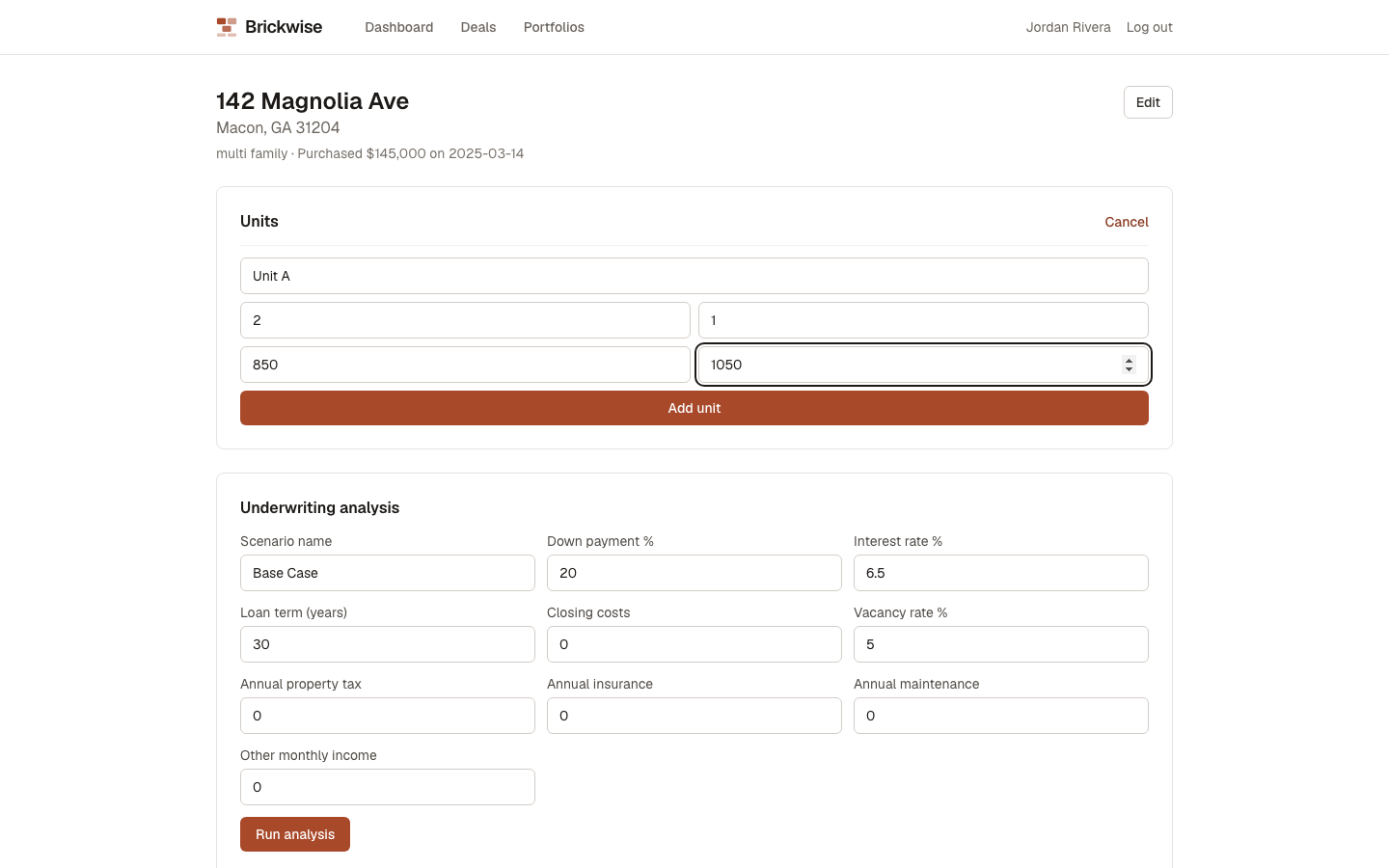
Repeat for each unit. The list shows all units with their key stats at a glance:
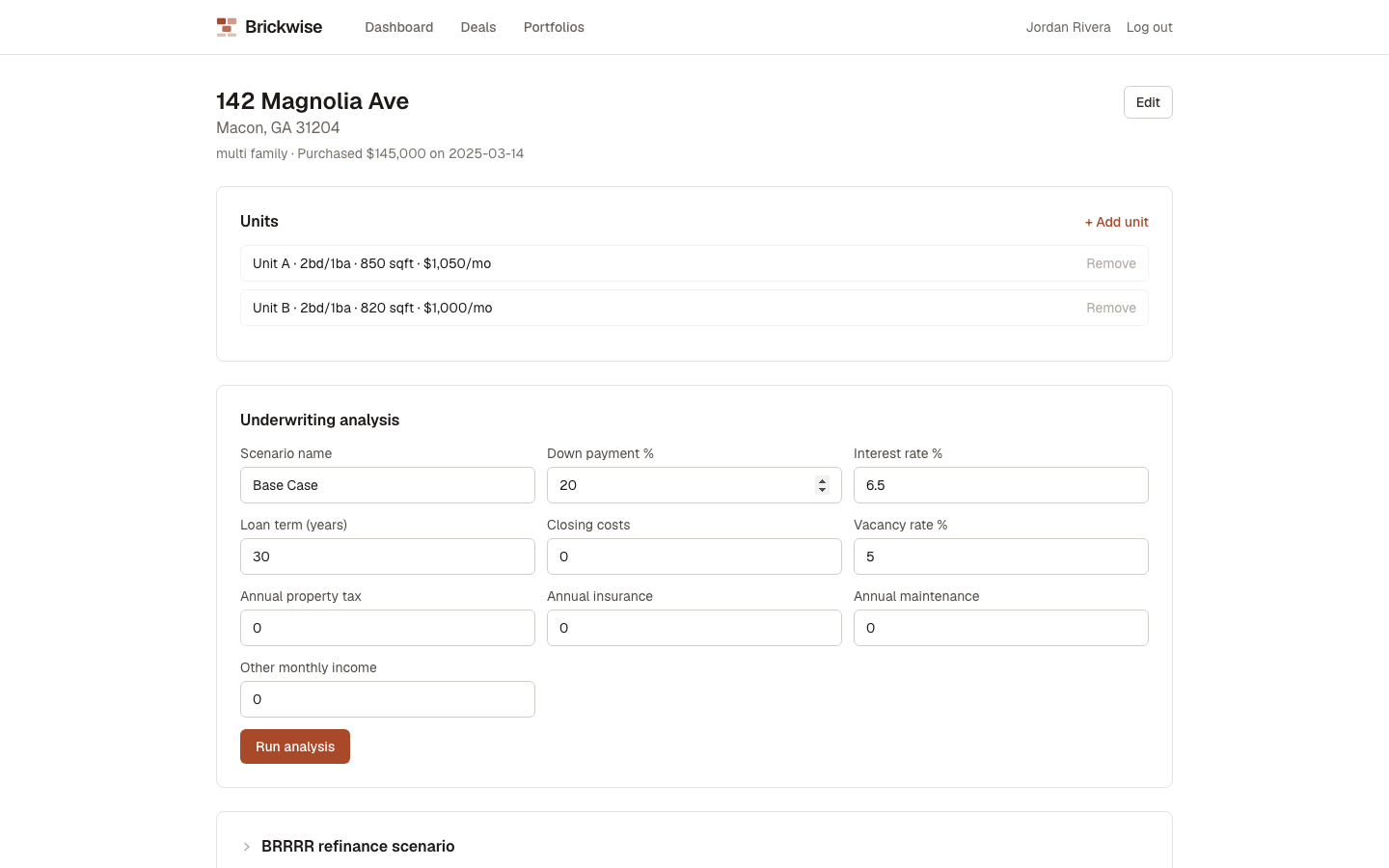
To remove a unit, select Remove next to it. There's no confirmation step — the unit is deleted immediately. See Known UI issue.
What's next
With at least one unit added, you're ready to run an underwriting analysis.