Deal Workroom
What it is
Opening a deal from the Deals list takes you to its workroom — a single page with every panel you need to evaluate that deal: Alerts, Scoring, Details, Thesis, Underwriting, Strategy comparison, Research, Listing monitoring, Due diligence, Documents, Investment Manager, Contacts, and Activity — covered individually in the guides linked below.
Why / when you'd use it
This is where you'll spend most of your time on an active deal. A sticky navigation strip at the top lets you jump straight to any panel.
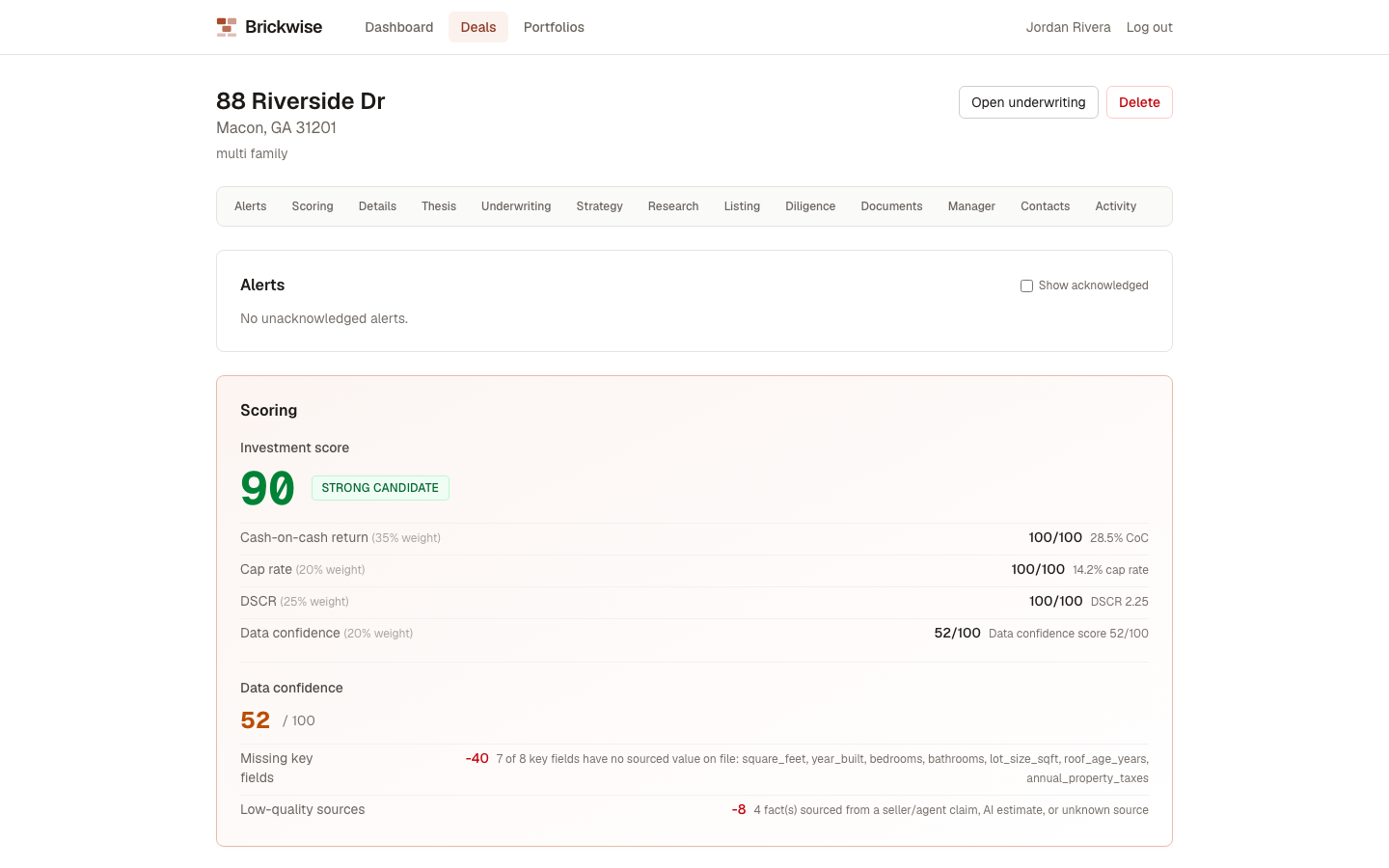
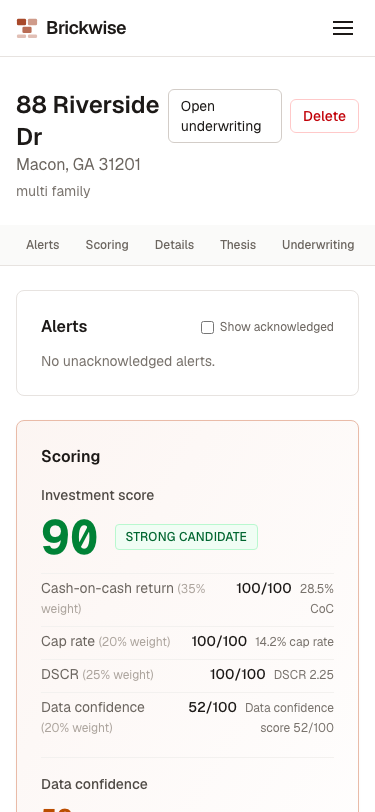
This guide covers the panels that don't warrant their own page: Alerts, Scoring, Deal Details & Pipeline Stage, and Investment Thesis. Every other panel has its own guide, linked at the bottom.
Alerts
The first panel, showing anything time-sensitive Brickwise has flagged for this deal — a price change, a newly-recorded critical due diligence risk, a data conflict, a diligence task coming due, or the deal crossing an Investment Score threshold. Check Show acknowledged to see ones you've already dealt with. Select Acknowledge to clear an alert once you've addressed it.
Scoring
Shows the deal's Investment Score and Data Confidence Score (see Glossary) — computed automatically, with no button to press. If there isn't enough data yet, it shows "INSUFFICIENT DATA" with a note on what's missing. Each score expands into its component breakdown, so you can see exactly what's pulling it up or down.
Deal Details & Pipeline Stage
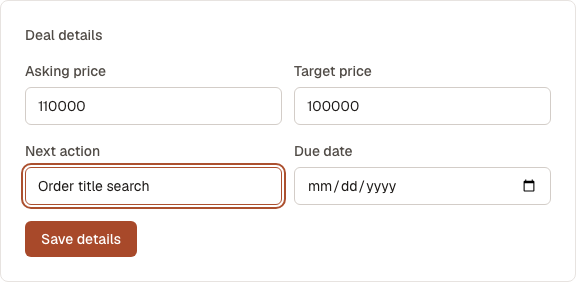
Change the deal's Pipeline stage using the dropdown near the top of the page — this is a plain select, not a form field, so it updates as soon as you choose a new stage. Below it, the Deal details form holds Asking price, Target price, Next action, and Due date — edit any of these and select Save details.
Investment Thesis
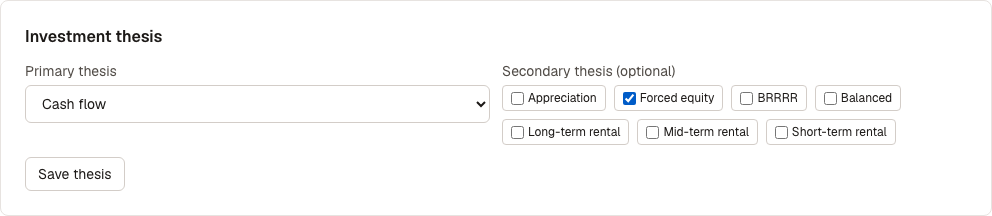
Set the strategic reason you're pursuing this deal (see Investment thesis in the Glossary):
- Choose a Primary thesis from the dropdown.
- Optionally check any number of Secondary thesis chips — whatever you've picked as primary is excluded from this list automatically.
- Select Save thesis.